 Afterparty Flash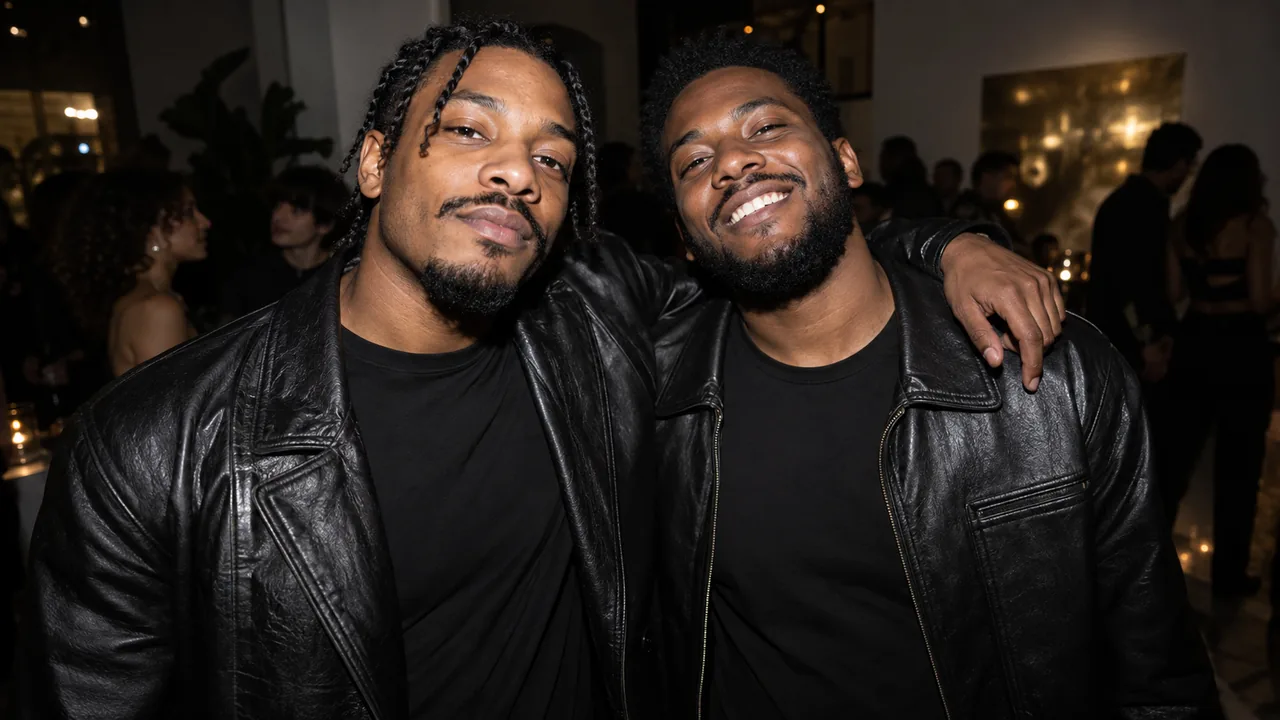
Start with a clear visual idea
The afterparty direction is the most energetic of these scenes: a pair in a small night-life crowd, brief camera flashes, colored practical lights and quick changes of framing. The visual texture comes from flash contrast and movement. Both referenced people should remain identifiable within the activity.
Flash-led contrast
Bright flash moments interrupt a darker room. Faces and glossy highlights become the anchor, so a strong source reference matters.
Purple and lime ambience
Colored room lights support the party setting between flashes. The palette is a scene direction, not a guarantee of a particular venue or event.
A pair within the crowd
The intended framing alternates closer performer attention and a wider shared view. Other people are atmosphere, not extra identity references supplied by the user.
Three ways to describe the scene
Choose a single example as a starting brief in a prompt-enabled tool. Replace any subject description with a reference you have permission to use. Avoid stacking all three examples into one request.
Flash-lit pair
Create a vertical fictional afterparty visual centered on these two people. Use a small background crowd, dark room ambience and brief camera-flash highlights. Keep both reference faces readable through changing light, with coherent clothing and restrained gestures near the face. Let the background supply energy without obscuring the pair.
The request separates main subjects from atmosphere. Additional crowd faces are not people whose identities the studio receives as reference.
Close and wide contrast
Stage the pair in a night-life scene with purple and lime practical light. Alternate a close performer view with a shared wider composition, using a lively but controlled camera feel. Preserve facial identity across each change and avoid readable signage, commercial logos and text overlays.
Framing contrast and lighting establish the montage idea without asking for a specific real club or copyrighted event identity.
A cleaner party version
Imagine a small afterparty around the referenced pair. Use dark surroundings, a few colored light accents and intermittent flash-style illumination. Keep the foreground uncluttered and the people’s outlines distinct. Favor readable faces over heavy blur, with no extra props covering their expressions.
This variant reduces competing objects. It remains an educational prompt example rather than a separate mode in the upload studio.
What to make explicit
Define the main subjects
Name the pair as the foreground focus and the crowd as background atmosphere. A long list of additional performers can dilute the identity reference.
Use flashes as accents
Describe brief light changes rather than a constant white exposure. Flash is a texture, while readable faces remain the main requirement.
Do not demand blur and sharp faces everywhere
Fast camera energy and legible facial detail compete. Set the priority explicitly instead of treating every visual adjective as equally important.
How these examples relate to this studio
The generator on this site takes one person in each of two separate portraits and applies a fixed Afterparty Flash scene recipe. You do not need to type a prompt to use it, and pasting an example does not change its settings.
This scene defaults to 10 seconds in a 9:16 frame. Choose 10 or 15 seconds and a portrait, square or landscape format in the generator. Your account stores credits; package cards show the video time those credits cover. Camera motion, expressions, scene details and any audio are generated, so an example is an intention rather than an exact output guarantee.
A rap-style visual does not guarantee a particular commercial song, lyrics, choreography or lip synchronization. Do not request a real person’s endorsement or claim that synthetic performance footage is an actual recording.
Questions before you start
Can I edit the prompt in this generator?
No. The current studio provides one fixed scene recipe, with one portrait for a solo scene or two separate portraits for a pair. These public examples are learning material, not a custom-prompt setting.
Are these the exact internal generation prompts?
No. They are separately written public examples that explain the effect’s visual choices. The private recipe, provider settings and billing controls are kept on the server.
Can I turn down the flashes?
There is no flash-intensity control in the current fixed-preset studio. Review the generated clip before sharing and consider a calmer scene if flashing imagery is unsuitable.
MAKE YOUR SCENE